Guide
Bulk Grading for Schools: A Complete Guide for 2026
April 2026 · 9 min read · By Proctor AI Team
Bulk grading means evaluating many answer sheets at once instead of one at a time. For a school running regular tests across dozens of classes, doing this by hand is the reason teachers lose evenings and weekends. This guide covers how to set up bulk grading with an AI agent so a full class is graded in minutes.
- 1 PDF Upload per class
- Auto-split Per student
- 1 click Share results
- Whole term Trends tracked
What you need before you start
- The answer sheets, scanned or photographed into one PDF per class.
- A marking scheme, a model answer, or a short description of what earns full marks.
- A free Proctor AI account for the teacher running the assessment.
That is all. You do not need special scanners or a separate file per student. A phone camera and a scanning app are enough for most classrooms.
The five-step setup
- Set up the assignment once: Create the assignment by describing it in a prompt or uploading your existing paper, then attach the rubric. This becomes the standard the agent grades against.
- Upload the whole class as one file: Drop in the single class PDF. The agent splits it into individual submissions automatically, with no manual separation.
- Grade the batch: Tell the agent to grade against the rubric. It scores each paper, gives partial marks, annotates the page, and can flag copying in the same pass.
- Review, then share in one click: Review the drafts, adjust anything you disagree with, approve, and share results with students in one click.
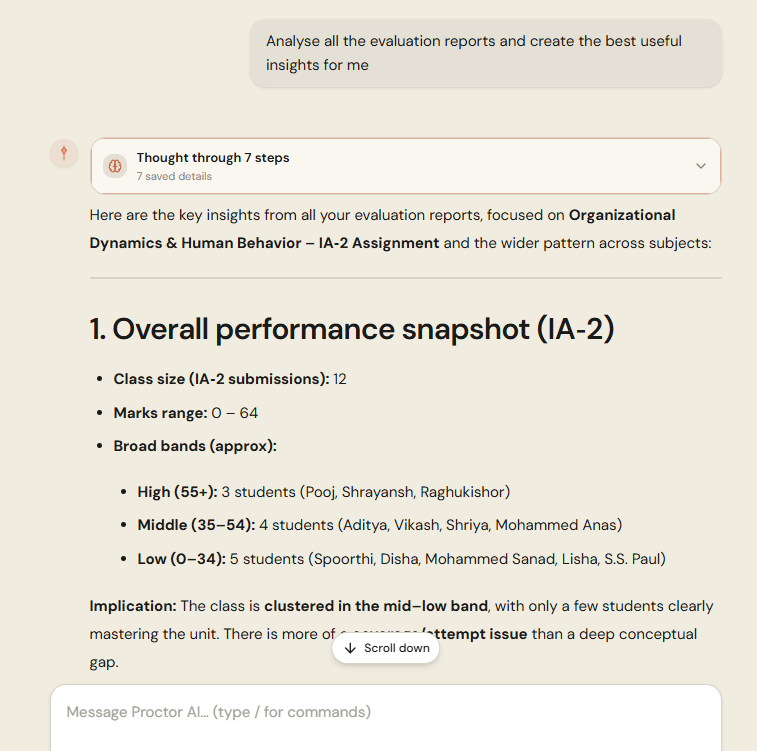
- Use the data across the school: Ask for reports and graphs: question-by-question analysis, class strengths and weaknesses, and which students need support.
With vs without bulk grading
| Workflow | Without bulk grading | With Proctor AI |
|---|---|---|
| Preparing files | Sort and label each paper | One PDF, auto-split |
| Grading 5 classes | Most of a weekend | About an hour total |
| Feedback to students | Marks only, usually | Personalized, every student |
| Turnaround time | A week or more | Same day |
| Department insight | Manual spreadsheets | Trends across the term |
Bulk grading is not about grading faster for its own sake. It is about giving students feedback while the lesson is still fresh.
Frequently asked questions
What is bulk grading?
Bulk grading is evaluating many answer sheets at once instead of one at a time. With Proctor AI you upload a single PDF of the whole class and the agent splits and grades every paper in minutes.
What do I need to start bulk grading?
You need the answer sheets scanned into one PDF, a marking scheme or model answer, and a free Proctor AI account. No special scanners are required.
Can the whole school use it?
Yes. Each teacher grades their own classes while the agent applies a consistent standard, and heads of department can see trends across a term.